Showing posts with label edge cluster 12. Show all posts

Saturday, August 20, 2022

EC12 update

I picked up another BitScope Edge Cluster 12 along with 12 x Pi4's so I need to assemble it and flash a bunch of micro SD cards. I'll post about it once I have done it.

While at the BitScope office I dropped off the faulty top plate and they gave me a replacement for my existing EC12. They also gave me replacement nylon stand-offs that were missing from one corner of a cluster plate which I had already worked around. Once home I corrected my assembly of the existing EC12 so it now all fits together correctly. I have the front cover on, the power connector is at the back and its been working fine. This is what it looks like from the front now.


I had one of the Pi4's getting rather a high number of invalid tasks compared to the other Pi's in the cluster so I flashed a new micro SD card for it. When I first powered it on it wouldn't let me login so I had to power everything down and redo the SD card, which worked on the second attempt. Hopefully that will resolve its issue.

I had to buy a bunch of micro SD cards for the new EC12. When I was in the shop they didn't have my usual Sandisk Ultra 32GB cards so they gave me some Sandisk High Endurance 32GB cards. About all I can find online is their rated speed drops from 120MB/sec to 100MB/sec on reads and writes are also slower. The only endurance figures I can find is on the packaging than mentions "Up to 2500 hours of continuous video recording".


Update: 24 August 2022

Here are both EC12's side by side. The EC12 on the right has a 16 port switch on top and all those light blue network cables running off to each Pi. The EC12 on the left is connected to another 16 port switch.


Tuesday, July 26, 2022

BitScope Edge Cluster 12

 Introducing the BitScope Edge Cluster 12. 


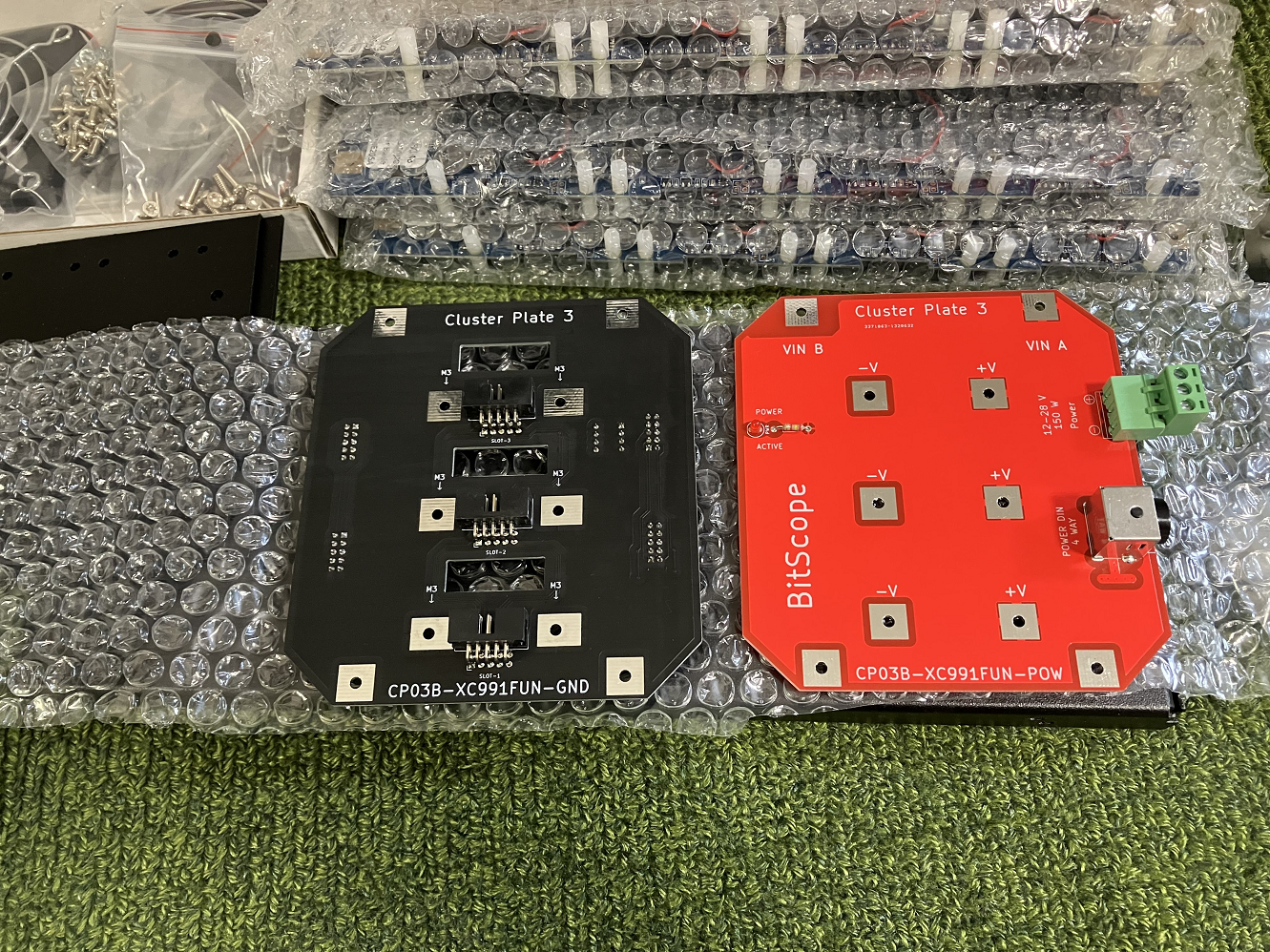
That is the parts you get. You just need to add your own Raspberry Pi's and a suitable power supply.


There are the two end plates, one ground (black) and the other live (red). The green plug is the power plug.


These 3 plates are what you plug the Rpi into. They refer to them as Cluster Plates. Each one has power regulation circuitry on the end to ensure reliable power. The Pi's push in a GPIO socket on the other side. There are 4 nylon stand-off's and nylon screws to secure each Pi although the GPIO pins are tight enough on their own. The fans are there for each individual Pi


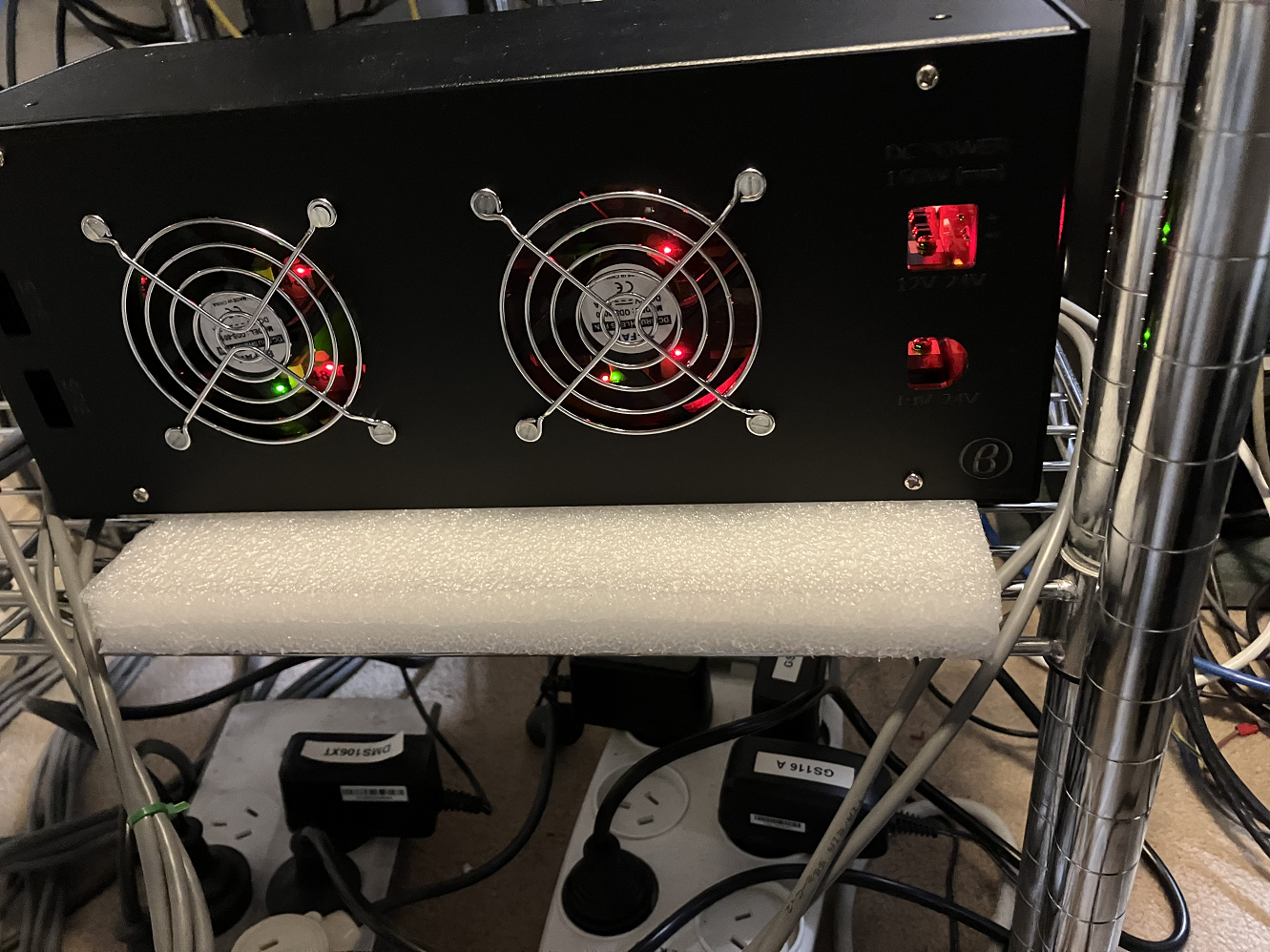
This is the back of it with the two 80mm fans and grills.

And this is the front where all the connections go. The thick black cable on the left is from my power supply (a Meanwell 24v 10a output unit) and plugs into the live plate. There is a plastic cover to go on the front, however I need to drill a hole in it so I can feed the power plug into the unit which I consider a design flaw. The power connector butts up against the rear plastic panel.

Another design feature, if you need to replace the SD cards, one has to remove the back cover with the two 80mm fans.

Problems I encountered while assembling it was missing nylon stand-offs on one of the cluster plates. I ended up taking a stand-off out of my old Pi cluster.

The top metal plate is supposed to have 4 screw holes with threads, however mine had 4 holes but only 3 had threads. The 4th one appears to have been drilled out as its larger, so I could only use 3 screws to mount it.

I now have all 12 Pi4 8GB in here and running. The fans keep spinning up and down which is a little noisy but not too bad.


Update 7th of August 2022

Spoke with BitScope and they offered to replace the top plate and missing nylon stand-off's as they are considered manufacturing defects.

The design flaw I mentioned they are saying is due to my assembling it the wrong way. The live plate is supposed to have the power connector flush when the front panel is fitted. The front is where the network and USB ports are facing.

As for the fans, the fan curve can be updated or simply setting them to a fixed speed. The ramp up and down seemed to be unique to the einstein FGRP5 work units. The BRP4 work when run doesn't have the same issue so its workload related.